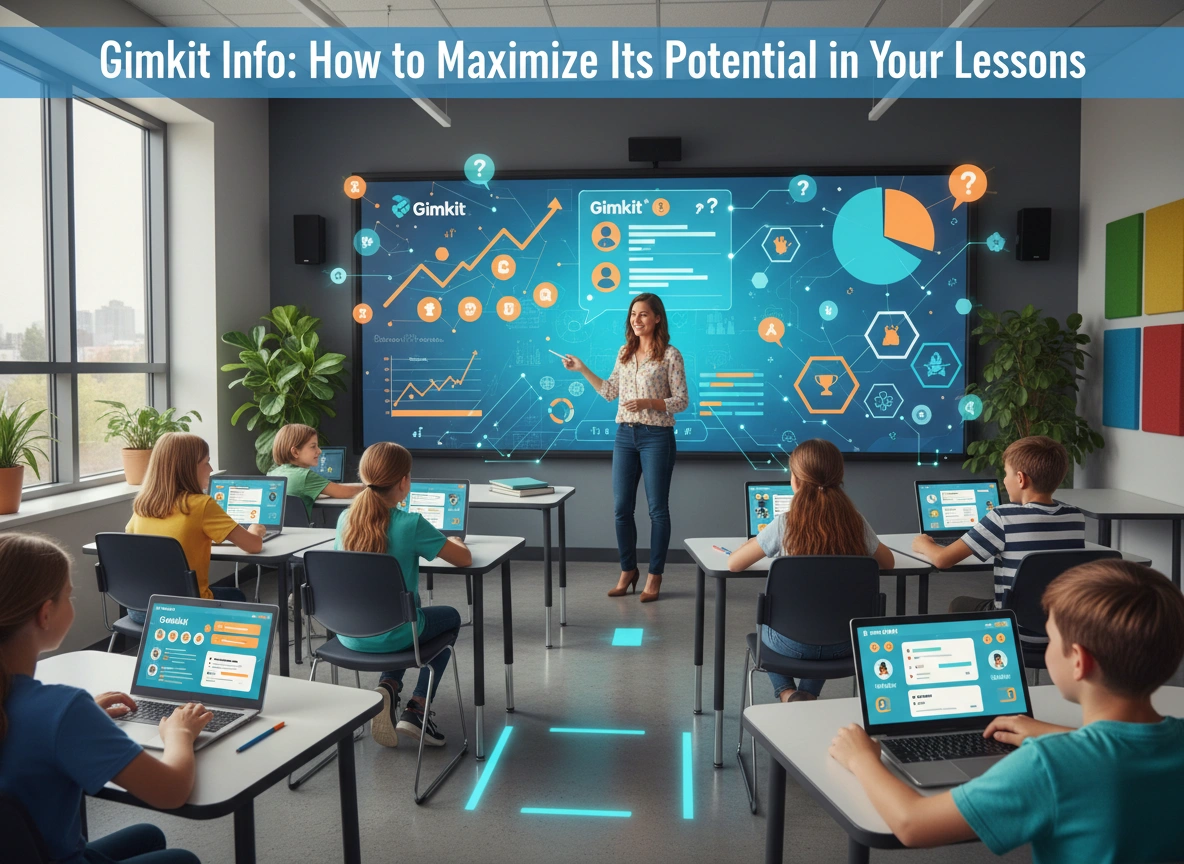
The modern classroom is a dynamic environment where student engagement is the key to unlocking true learning. Educators are constantly searching for innovative tools that can capture attention, reinforce concepts, and make learning enjoyable. Enter Gimkit, a game show-style learning platform that has rapidly gained popularity for its ability to transform classroom review and instruction into an exciting, competitive experience. While many have heard of it, understanding how to fully harness its power can take your lessons from good to unforgettable.
This guide will provide a comprehensive look at Gimkit, from its core features to advanced strategies. We’ll explore how you can effectively integrate this tool into your teaching, maximize its potential across various subjects, and ultimately create a more engaging and effective learning environment for your students.
What Exactly Is Gimkit?
At its heart, Gimkit is a live quiz learning game designed by a high school student to make school more engaging. It combines elements of popular online games with educational content, creating a unique system that motivates students to learn. Unlike traditional quiz platforms where students simply answer questions, Gimkit introduces a strategic layer involving in-game currency, upgrades, and power-ups.
Here’s how it typically works:
- The Setup: An educator creates a “Kit,” which is essentially a set of questions and answers on a specific topic. You can create your own from scratch, import from existing quiz banks like Quizlet, or use a spreadsheet.
- The Game: Students join the game on their own devices using a unique code. They answer questions at their own pace.
- The Twist: For every correct answer, students earn in-game cash. This is where Gimkit sets itself apart. Students can then use this cash to purchase upgrades and power-ups. Upgrades can increase the amount of money earned per question, provide streaks for consecutive correct answers, or even offer insurance against incorrect ones. Power-ups might allow them to freeze another player’s screen or get an extra life.
- The Goal: The game can be played toward various objectives, such as reaching a specific cash goal, playing for a set amount of time, or being the last one standing in a “Humans vs. Zombies” mode.
This economic and strategic element encourages students to think critically not just about the content, but also about how they manage their resources within the game.
Core Features That Drive Engagement
Gimkit is more than just a quiz tool. Its features are intentionally designed to boost participation and knowledge retention.
- Game Modes: Gimkit offers a wide variety of game modes beyond the classic “Cash” mode. “The Floor is Lava” challenges teams to answer questions correctly to build their tower higher than the rising lava. “Trust No One” introduces an “Among Us” style of social deduction. These varied modes keep the experience fresh and cater to different classroom dynamics.
- Assignments (KitCollab & Homework): Learning doesn’t stop when the bell rings. Gimkit allows you to assign Kits as homework, where students must reach a certain cash goal to complete the assignment. This provides valuable practice in a low-pressure setting. The KitCollab feature lets students contribute questions to a Kit, promoting ownership and deeper content engagement.
- Detailed Reports: After each game, educators receive detailed reports that break down student performance. You can see how the class performed as a whole and view individual student reports, which highlight which questions were most challenging. This data is invaluable for identifying learning gaps and planning future instruction.
- Gimkit Creative: This powerful feature allows you and your students to build your own games within Gimkit. Using a block-based coding system, students can design everything from obstacle courses to escape rooms, all while embedding question-and-answer mechanics. This elevates Gimkit from a review tool to a platform for project-based learning and creative expression.
Strategies for Integrating Gimkit into Your Lessons
Simply playing a game of Gimkit at the end of a unit is just scratching the surface. To truly maximize its potential, you need to be strategic about its implementation.
1. The Bell Ringer or Exit Ticket
Start your class with a quick, five-minute game of Gimkit to activate prior knowledge or review concepts from the previous day. This gets students energized and focused from the moment they walk in. Similarly, use it as an exit ticket. A short, focused game can be a powerful formative assessment tool to check for understanding before students leave for the day. The instant feedback helps you gauge lesson effectiveness immediately.
Example Lesson Plan: Math Bell Ringer
- Subject: 6th Grade Math
- Topic: Converting Fractions to Decimals
- Gimkit Setup: Create a 10-question Kit with common fractions.
- Execution: As students enter, project the Gimkit join code. Set the game to “Time” mode for 5 minutes. As students play, they are quickly recalling and practicing the conversion process. Afterward, you can briefly discuss the most-missed question highlighted in the report.
2. Mid-Lesson Check for Understanding
Don’t wait until the end of a lesson to find out who is lost. Pause your direct instruction and launch a targeted Gimkit game. This breaks up the lecture, re-engages students, and gives you real-time data on comprehension. If the report shows that a majority of the class struggled with a specific concept, you can immediately re-teach it before moving on.
3. Station Rotation and Small Group Instruction
Gimkit is an excellent tool for a station rotation model. While you work with a small group on targeted instruction, another group can be independently engaged in a Gimkit assignment. This promotes student autonomy and allows you to differentiate instruction effectively. You can even create different Kits for different groups based on their proficiency level.
Example Lesson Plan: ELA Station Rotation
- Subject: High School English
- Topic: Identifying Literary Devices in The Great Gatsby
- Station 1 (Teacher-led): Close reading of a key passage with a small group.
- Station 2 (Independent): Students work on a Gimkit assignment with 15 questions, where they must identify devices like metaphor, simile, and personification from quotes in the novel.
- Station 3 (Collaborative): Students work in pairs to write their own sentences using the literary devices reviewed in the Gimkit.
4. Fostering Collaboration with Team Mode and KitCollab
While Gimkit can be competitive, its team modes are fantastic for building collaboration. In “Team Mode,” students pool their earnings, forcing them to communicate and work together. This is perfect for reviewing complex topics where discussion can enhance understanding.
Take it a step further with KitCollab. Before a test, have students collaborate to build the review Kit. Assign each student or group a specific sub-topic. They are responsible for writing accurate and challenging questions for their section. This process of creating questions forces a higher level of thinking and mastery of the content.
5. Unleashing Creativity with Gimkit Creative
Gimkit Creative transforms students from content consumers to content creators. Instead of just answering your questions, they can build their own educational games. This is an ideal platform for project-based learning.
Example Lesson Plan: Science Project
- Subject: Middle School Biology
- Topic: The Water Cycle
- Project: In groups, students use Gimkit Creative to design a game that teaches players about the stages of the water cycle (evaporation, condensation, precipitation, collection). They must place “questioner” devices at each stage. To advance in the game, players must correctly answer a question about that specific stage.
- Outcome: Students demonstrate a deep understanding of the topic by designing a functional and informative game for their peers.
The Lasting Benefits in Your Classroom
When used thoughtfully, Gimkit offers more than just a fun break. It provides tangible benefits that contribute to a stronger learning culture. It reinforces content through repetition in a way that doesn’t feel monotonous. The strategic elements of the game encourage critical thinking and decision-making skills that go beyond the academic subject matter. Most importantly, it can transform a student’s attitude toward learning, turning review sessions from a chore into an anticipated event.
Ready to bring this dynamic energy to your classroom? The best way to understand the power of Gimkit is to experience it for yourself. Explore the platform, create your first Kit, and try a quick game with your students. You might be surprised at the level of excitement and engagement it generates. By integrating Gimkit thoughtfully into your lesson plans, you can unlock a new level of participation and make learning stick.
Please vist this website for more info.