Educators are constantly seeking innovative ways to capture student interest and improve learning outcomes. The shift toward more dynamic and interactive classroom environments has made digital tools an essential part of the modern teaching toolkit. Gimkit has emerged as a powerful platform that masterfully blends game-based learning with curriculum content. It transforms traditional review sessions into exciting, competitive experiences that students genuinely enjoy.
More than just a quiz tool, Gimkit provides a suite of features designed to enhance engagement, facilitate assessment, and save teachers valuable time. By understanding its core functionalities, you can unlock new possibilities for classroom instruction and create a more vibrant learning atmosphere. This article explores the top 10 features of Gimkit that every teacher should know to revolutionize their approach to teaching and learning.
1. Multiple Game Modes
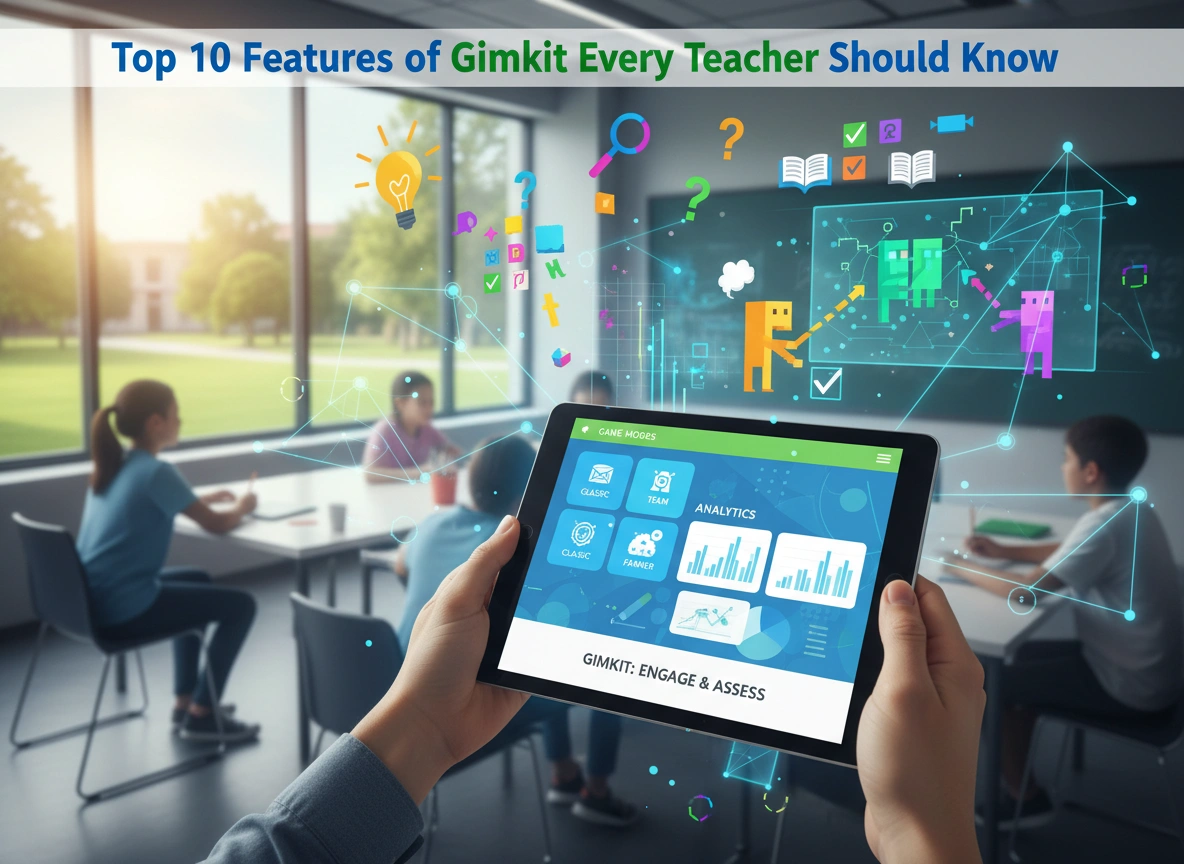
Variety is crucial for maintaining student engagement. Gimkit excels in this area by offering a diverse library of game modes that cater to different learning objectives and classroom dynamics. Instead of a single, repetitive quiz format, you can choose from an ever-growing list of options that keep the experience fresh and exciting.
For example, the classic mode, “The Floor is Lava,” creates a sense of urgency as teams answer questions to build their towers and escape the rising lava. “Trust No One” introduces a social deduction element, similar to popular games like Among Us, where students must complete tasks by answering questions while trying to identify the impostors in their midst. Other modes like “Humans vs. Zombies” promote teamwork, while “Capture the Flag” encourages strategic thinking. This variety allows you to align the game with your lesson’s tone—whether it’s a high-energy review or a collaborative problem-solving session.
2. KitCollab for Student-Created Quizzes
Empowering students to take ownership of their learning is a powerful pedagogical strategy. Gimkit’s KitCollab feature facilitates this by allowing students to contribute questions to a single, class-wide quiz set, known as a “Kit.” Instead of being passive consumers of content, students become active creators.
To use KitCollab, a teacher simply starts a session and shares a unique join code. Students can then submit questions and answers related to the topic of study. The teacher retains full control, with the ability to review, edit, or reject submissions before the Kit is finalized. This feature is perfect for chapter reviews, where each student can be assigned a section to create questions for. It not only reinforces their own understanding but also encourages them to think critically about what makes a good, clear question.
3. Power-Ups and In-Game Strategy
What truly sets Gimkit apart from other quiz platforms is its integration of an in-game economy and strategic elements. As students answer questions correctly, they earn virtual cash. This isn’t just for keeping score; it’s a currency they can spend on a variety of “power-ups” and upgrades.
These power-ups can give students an individual advantage, like multiplying their earnings for a short period or getting a second chance on an incorrect answer. Some power-ups have a class-wide impact, such as blurring the screens of other players or temporarily freezing them. This adds a layer of strategy that goes beyond simple recall. Students must decide when to save their money, when to invest in upgrades, and when to use power-ups to gain an edge. This economic decision-making keeps them invested in the game long after the novelty of answering questions has worn off.
4. Gimkit Live and Assignments
Gimkit offers two primary ways to deploy your Kits, catering to both in-class and out-of-class learning: Gimkit Live and Assignments.
- Gimkit Live is the classic, instructor-paced mode designed for real-time classroom play. The teacher controls the pace of the game, displaying questions on a central screen while students answer on their own devices. This format is ideal for creating a collective, high-energy experience where the entire class participates simultaneously.
- Assignments provide a self-paced alternative that is perfect for homework, station rotations, or individual practice. When you assign a Kit, you set a due date and a target cash goal for students to reach. Students can work through the questions at their own speed, replaying as many times as needed to meet the objective. This feature ensures that every student can achieve mastery, regardless of how long it takes them.
5. Flexible Customization Options
Every classroom is unique, and Gimkit provides teachers with the flexibility to tailor games to their specific needs. Before launching a game, you can adjust numerous settings to create the perfect experience. You can set a time limit, a target cash amount, or have the game end after a certain number of questions.
Furthermore, you can control the game’s mechanics. You can disable certain power-ups if you find them too distracting or enable options like “Claps” to allow students to cheer for one another. You can also turn on features like the “Clean Power-Ups Only” mode to remove the more mischievous options for a friendlier competition. This level of customization ensures that you can adapt Gimkit to suit the age, maturity, and learning goals of your students.
6. Seamless Question Bank Integration
Creating quiz content from scratch can be time-consuming. Gimkit streamlines this process with its extensive Question Bank feature. Instead of typing every question yourself, you can search millions of pre-made questions from other publicly available Kits. You can search by keyword or topic and easily import relevant questions directly into your own Kit.
Even more powerful is the integration with Quizlet. If you already have study sets on Quizlet, you can import them into Gimkit with a single click. This feature is a massive time-saver for teachers who have already invested in creating digital flashcards. It allows you to leverage your existing resources and quickly convert them into an engaging Gimkit game.
7. Gimkit Ink for Differentiated Expression
Recognizing that learning and expression are not limited to text, Gimkit introduced Gimkit Ink. This feature allows students to publish short posts, drawings, and other creative projects for the class to see. Think of it as a collaborative digital whiteboard or a class-wide blog.
A teacher can pose a prompt, and students can respond with text, images, or by drawing directly on the screen. This is an excellent tool for exit tickets, brainstorming sessions, or checking for understanding in a more creative format. It gives a voice to students who may express themselves better visually than through writing. It also provides a space for reflection and sharing ideas in a low-stakes environment, fostering a stronger sense of community within the classroom.
8. Detailed Post-Game Reports
Gimkit is more than just a game; it’s a valuable formative assessment tool. After every game, whether live or assigned, Gimkit generates detailed reports that provide actionable insights into student performance.
These reports show you overall class accuracy as well as individual student data. You can see how many questions each student answered correctly and incorrectly. The most powerful part is the question-level breakdown. You can view each question and see what percentage of the class answered it correctly. This allows you to quickly identify concepts that the entire class struggled with, signaling a need for re-teaching. These reports make it easy to gather data to inform your future instruction without adding hours of grading to your workload.
9. Cosmetics and Personalization
While it may seem like a minor detail, the ability for students to personalize their in-game appearance is a significant driver of engagement. Students can use the virtual cash they earn from playing games to purchase “cosmetics” for their characters, known as Gims.
This feature adds a long-term incentive for students to participate. They save up their earnings from multiple games to buy a unique trail, hat, or character design that represents their personality. This sense of ownership and personalization keeps students motivated to play and learn, turning review sessions into an activity they look forward to.
10. Continuous Updates and New Content
The team behind Gimkit is committed to keeping the platform fresh and aligned with the needs of educators. They frequently release new game modes, features, and seasonal content. This commitment to innovation means that the platform never gets stale.
By following the Gimkit blog or social media channels, you can stay informed about upcoming changes and get ideas for how to use new features in your classroom. This continuous development ensures that your investment in learning the tool will pay dividends for years to come, as the platform evolves to offer even more engaging and effective learning experiences.
Transforming Your Classroom with Gimkit
Gimkit provides a robust and versatile set of tools that can fundamentally change the energy of your classroom. By leveraging its diverse game modes, you can make review sessions an event that students anticipate with excitement. Features like KitCollab and Gimkit Ink empower students to become active participants in their education, fostering creativity and collaboration. Meanwhile, the detailed reporting and flexible assignment options give you the data and control you need to ensure meaningful learning is taking place.
By incorporating these top 10 features into your teaching practice, you can create a more dynamic, engaging, and effective learning environment that meets the needs of 21st-century learners.
Please click here for more info.